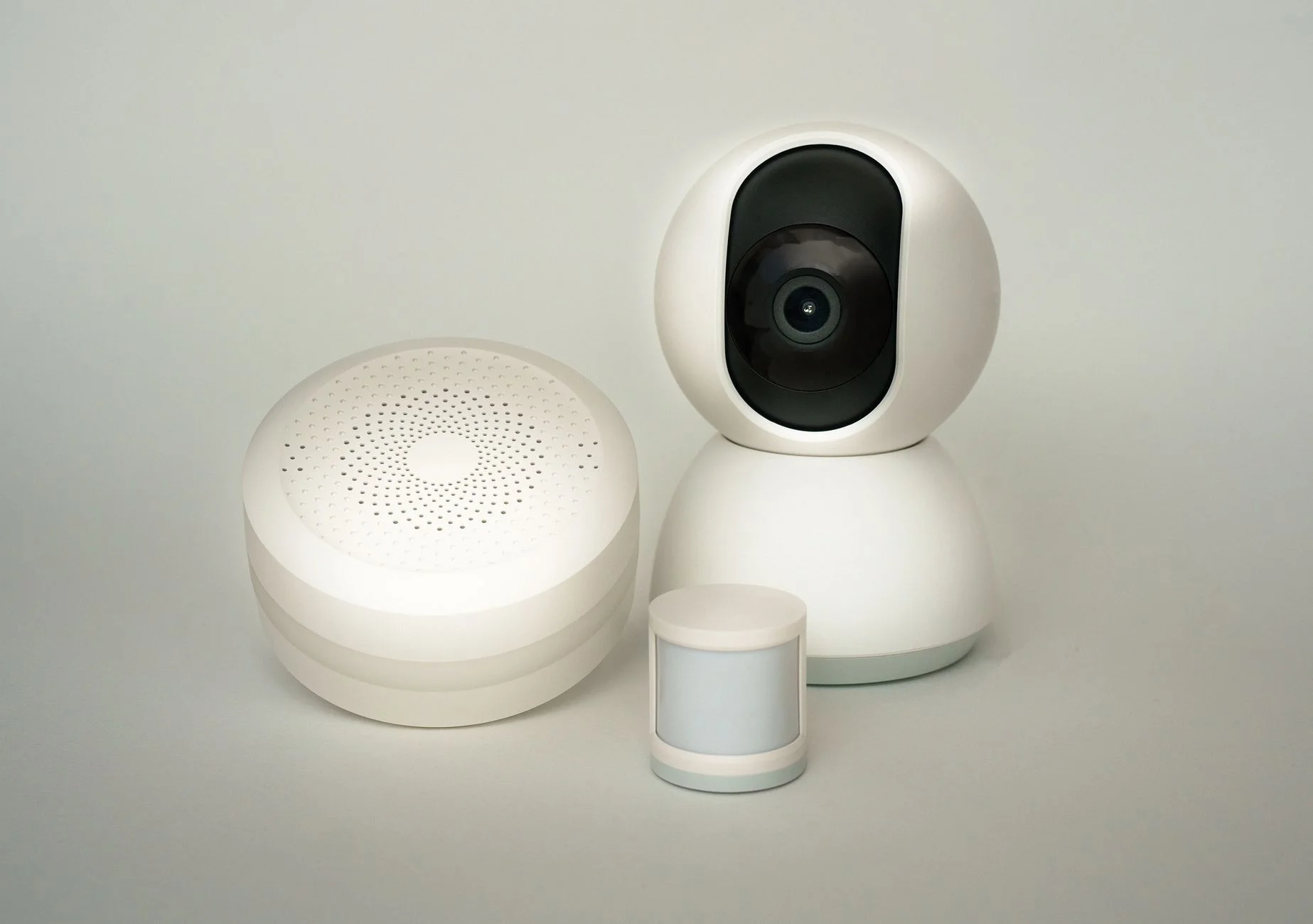
Home automation in the UK has never been more accessible. You can start for under £30, see immediate results, and expand at your own pace. But the first steps matter — buy into the wrong ecosystem early and you’ll face headaches later. This guide explains how home automation works, where beginners should start, and how to build a system you’ll actually use every day.
What is home automation, exactly?
Home automation means making devices in your home work automatically — triggered by schedules, sensors, your location, voice commands, or actions from other devices. At its simplest: a smart plug that turns the coffee maker on at 7am. At its most sophisticated: a system that adjusts heating, lighting, security, and music based on who’s home, what time it is, and what the weather is doing outside.
Most home automation works over Wi-Fi, Zigbee, Z-Wave, Thread, or Bluetooth. You don’t need to understand the technical details to get started, but knowing they exist helps when you’re choosing products — compatibility matters.
The three layers of a smart home
Think of a smart home in three layers:
- Devices — the physical hardware: smart bulbs, plugs, thermostats, cameras, locks, sensors.
- Hub or platform — the software that ties devices together: Google Home, Amazon Alexa, Apple HomeKit, Samsung SmartThings, or Home Assistant.
- Automations — the rules: “when the motion sensor detects movement after 10pm, turn on the hall light.”
You need all three layers to have a smart home rather than just a collection of individually-controlled gadgets. Most beginners start with devices and a platform, and add automations as they get comfortable.
Which platform should UK beginners choose?
| Platform | Best for | Main device | Free tier? |
|---|---|---|---|
| Amazon Alexa | Beginners, voice-first control | Amazon Echo | Yes |
| Google Home | Android users, Nest device owners | Google Nest Hub | Yes |
| Apple HomeKit | iPhone/iPad households, privacy-focused | HomePod (as hub) | Yes |
| Samsung SmartThings | Mixed-brand homes, advanced automations | SmartThings Hub | Yes |
| Home Assistant | Power users, privacy, local control | Self-hosted | Yes (open source) |
For most UK beginners, Amazon Alexa (via an Echo device) is the path of least resistance. It supports more third-party devices than any other platform, routines are easy to create, and the onboarding experience is polished. If your household is iPhone-heavy, Apple HomeKit is a natural fit. For more detail on choosing a hub, see our best smart home hub UK guide.
What to buy first
Here’s the recommended order for a UK beginner building a smart home from scratch:
Step 1: Pick a voice assistant
An Amazon Echo Dot (around £39.99) or Google Nest Mini (around £39.99) gives you a platform to control everything from day one. It’s also genuinely useful even before you add any smart home devices — for timers, music, weather, and reminders.
Step 2: Add smart plugs
Buy two or three smart plugs for lamps or appliances you use daily. This gives you immediate, tangible smart home functionality — and starts training you to think in terms of automations. At £10–£15 each, the investment is minimal.
Step 3: Add smart lighting to one room
Choose one room and fit smart bulbs. A living room or bedroom makes the biggest immediate impact — scenes, dimming, and colour temperature changes transform the feel of the room. A Philips Hue starter kit or Ikea Dirigera bundle is the sensible starting point. Read our smart lighting UK guide for full recommendations.
Step 4: Add a smart thermostat
A smart thermostat is the single highest-ROI smart home purchase for most UK households. It saves money every month and, unlike lights or plugs, you don’t have to remember to use it — it works in the background.
Step 5: Add security
Once your core automation is in place, a smart doorbell and one or two cameras complete the picture. At this stage you’ll have a home that’s genuinely automated, monitored, and responsive.
Automations that make real life better
The goal of automation is to remove friction from your day. Here are automations that UK homeowners report making the biggest practical difference:
- Good morning routine: Bedroom lights fade up slowly at 7am, heating kicks in 30 minutes before the alarm, coffee maker switches on.
- Leave home: All lights off, heating drops to eco mode, front door lock confirmed.
- Arrive home: Hall light on, heating set to comfort temperature.
- Bedtime: All downstairs lights off, cameras arm, heating drops overnight.
- Energy saving: Smart plugs cut standby power to entertainment systems every night at midnight.
Understanding the Matter standard
If you’ve heard about Matter and wondered what it means for you as a beginner: in short, it means devices from different brands can now work together more easily. If you buy Matter-certified devices, they’ll work with Alexa, Google Home, and Apple HomeKit without separate setup for each. As a beginner buying in 2026, prioritising Matter-certified devices where possible gives you maximum flexibility as your system grows.
Common beginner mistakes to avoid
- Buying too many things at once. Start with one room, get comfortable, then expand. A focused start beats a chaotic one.
- Mixing incompatible ecosystems. Check compatibility before buying. Not all devices work with all platforms.
- Ignoring Wi-Fi quality. Smart home devices multiply the load on your Wi-Fi. If you have more than 20 devices, consider a mesh Wi-Fi system.
- Forgetting about privacy. Every smart home device collects some data. Read the privacy policies of platforms you commit to, and use devices with local processing where it matters to you.
- Underestimating subscription costs. Some devices have free tiers that are genuinely useful; others are significantly limited without a subscription. Factor in ongoing costs before buying.
UK-specific considerations
UK homes differ from US homes in ways that affect smart home shopping. UK electrical sockets are Type G (three-pin) and operate at 230V — always buy UK-specific smart plugs and switches. UK broadband is generally reliable in urban areas but can be variable in rural locations, which may affect cloud-dependent devices. The UK government’s Smart Ready homes initiative also offers guidance on future-proofing homes with smart infrastructure, relevant if you’re building or renovating. And Which? Smart Home reviews test devices specifically in UK conditions.
Where to go from here
Home automation is a journey, not a destination. Most enthusiasts start with a smart plug or bulb and end up, a year later, with dozens of devices working in harmony. The key is to start small, choose an ecosystem you trust, and add devices gradually as each one earns its place by genuinely improving your daily life. Use our other guides to go deeper on each category — and enjoy the process.